


Network status: All services are running normally.
The Data Centre keeps DIAT connected and secure. It runs the campus wired and wireless network, internet access, institute email, the DIAT website, and the servers that support teaching and research, with round-the-clock operations for students, faculty and staff.
“To be a quality service department that provides the best IT infrastructure and application services for the development of the institute's research and innovation activities.”
To provide quality IT services to the DIAT community:
To design and maintain a secure network for all connected users (classrooms, labs, hostels and offices) that serves the educational needs of students and faculty through network and application control.
24×7 operation of the server room, including cooling and power backup.
Institute email services and management of the DIAT website.
Maintenance of the wired and wireless network with 24×7 availability.
Next-generation firewall and endpoint antivirus protection.
Help with everyday issues on computers, software and network connections.
Email and Internet accounts for new students, applied for online.
A virtualised blade server cluster with 27 TB of storage, 128 GB RAM and 48 logical processors, plus dedicated network and backup storage.
Redundant core switches, about 38 access switches and 100+ Wi-Fi access points, with wireless radio links between sites.
Three independent links, the National Knowledge Network (NKN) and BSNL, with every user signing in with personal credentials.
A next-generation firewall, endpoint antivirus, and cloud-hosted email and website.
Fill in your details and verify your personal email. Interns receive internet access only.
Print the 5-page form emailed to you and sign every page.
Your Head of Department signs page 1. Interns also need the Jt. Registrar (Academic)'s signature.
Bring the form and your ID card to the Data Centre. Your login details arrive by email.
The Data Centre will never ask for your password. If anyone does, by email, phone or message, report it to itsupport(at)diat(dot)ac(dot)in.
Windows hides new icons behind the ^ arrow next to the clock. Click it to find the Sophos icon. To keep it always visible:
Once you are signed in, the icon turns orange.
Internet access is tied to your laptop's network address (MAC). Virtual machines in Bridged mode appear as a second device and can cause this error, even when the VM is switched off.
getmac, and email a screenshot to itsupport(at)diat(dot)ac(dot)in. We will register your laptop's correct address.Some devices use a private (random) Wi-Fi address that changes over time. Turn it off for DIAT_WLAN:
Hostel LAN (cable) connections are not affected.
Email itsupport(at)diat(dot)ac(dot)in with your username, a short description and a screenshot of the error, or call 020-2460 4447 (Monday to Friday, 9:00 AM to 5:30 PM).
Faculty and staff can book the Data Centre Virtual Classroom (30 seats, two 65" displays, podium, HD camera with microphone) for lectures, meetings and online sessions. Bookings are for Monday to Saturday, 09:00 AM to 05:30 PM, up to 6 months ahead, and are confirmed by email once approved.
See the free and booked slots on the weekly calendar.
Verify your DIAT email with a code and fill in the programme details.
The Data Centre approves the request and emails you.
Sign the handing over form at the Data Centre. For Saturday bookings, collect it on Friday by 5:30 PM.
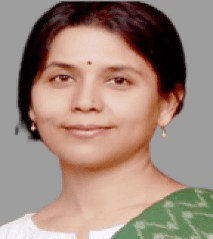
Associate Professor, Dept of CSE and Head, Data Centre
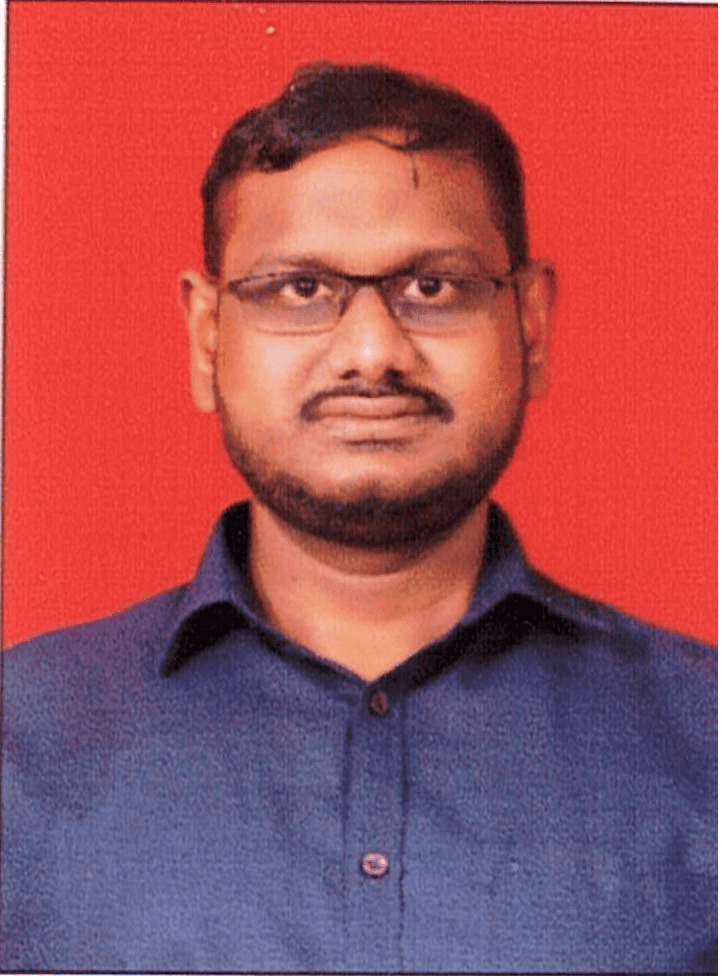
Laboratory Officer &
OIC, Data Centre
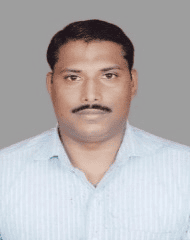
Laboratory Superintendent

Senior Laboratory Assistant
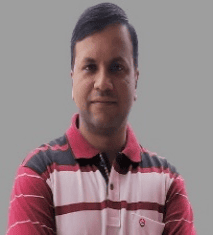
Laboratory Assistant
| Day | Support desk | Data Centre operations |
|---|---|---|
| Monday to Friday | 09:00 AM – 05:30 PM | 24×7 |
| Saturdays, Sundays and Holidays | Closed | 24×7 |
Data Centre
Defence Institute of Advanced Technology,
Girinagar, Pune 411025
Phone: 020-2460 4447
Email: itsupport(at)diat(dot)ac(dot)in